

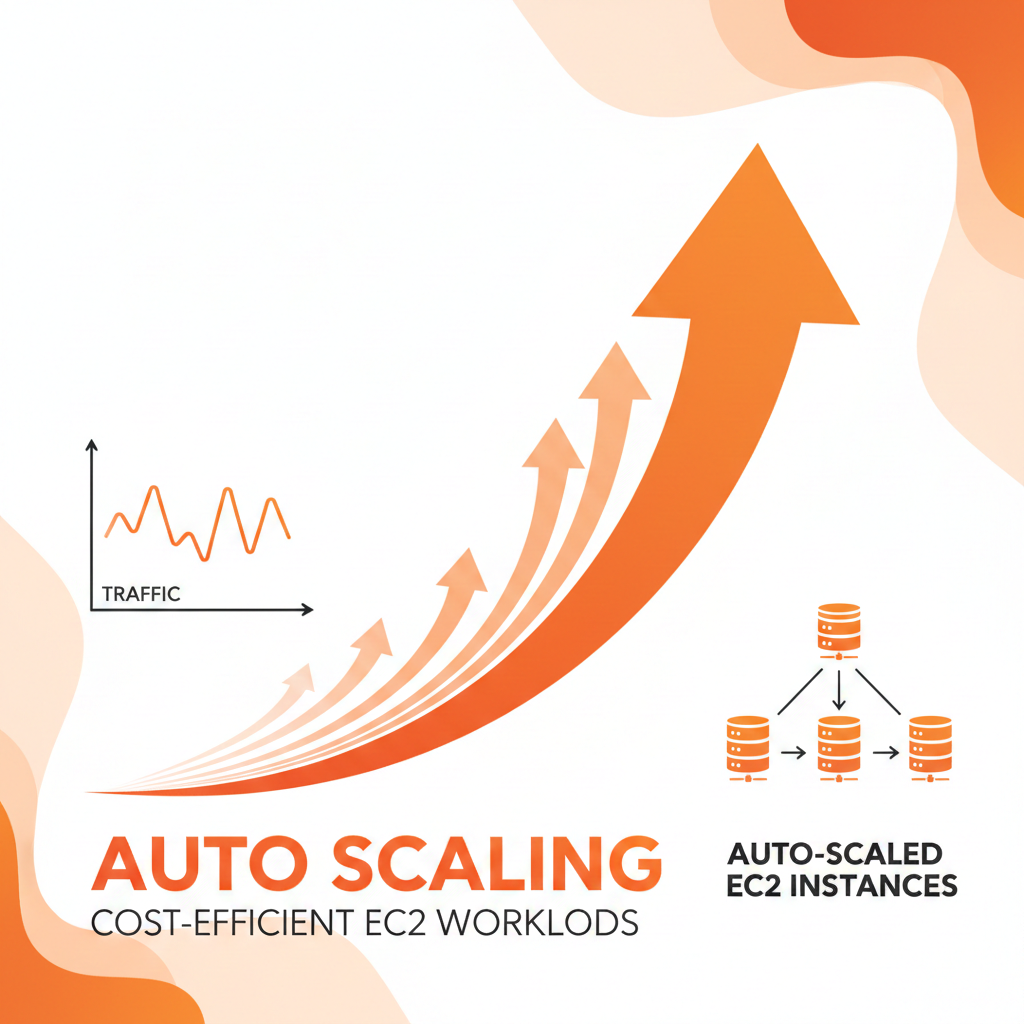

In cloud settings, workloads rarely remain constant. Traffic surges, batch processing, and seasonal surges might cause under- or underutilization. Amazon EC2 offers adaptable compute resources, but without dynamic management businesses risk spending too much or failing to reach targets.
By ensuring that performance is maintained under control and EC2 deployments change automatically to mirror demand, auto scaling helps to control costs. Effectively implementing it combines strategy, preparation, and monitoring
Understanding Auto Scaling in EC2
Organizations use launch templates and Auto Scaling Groups (ASGs) to define the quantity of instances, their kinds, and scaling rules. EC2 Auto Scaling enables infrastructure to automatically react to variations in workload. Metrics like CPU usage, memory use, or request volume trigger scaling events that either add or kill off instances to keep the capacity at its best.
By automating these corrections, auto scaling removes the requirement for human intervention and helps to prevent performance bottlenecks and overprovisioning.
Strategies for Cost-Efficient Auto Scaling
Implementing Auto Scaling effectively involves several complementary strategies:
Assure polite his really and others figure though. Day age advantages end sufficient eat expression travelling. Of on am father by agreed supply rather either. Own handsome delicate its property mistress her end appetite.
- Dynamic Scaling: This approach adjusts resources in real time based on observed metrics. When CPU usage rises or request latency increases, additional instances are launched. When demand drops, instances are terminated. This ensures resources are used only when needed, avoiding unnecessary costs.
- Predictive Scaling: By analyzing historical patterns, predictive scaling anticipates demand spikes before they occur. For workloads with regular cycles—daily traffic peaks, end-of-month reporting, or seasonal campaigns—pre-provisioning capacity ensures smooth performance while preventing over-allocation during quieter periods.
- Hybrid Instance Strategies: Combining On-Demand instances for baseline capacity with Spot Instances for handling spikes allows cost optimization without compromising reliability. Spot Instances, which can be significantly cheaper, supplement the core workload during periods of high demand.
- Right-Sizing Instances: Even with Auto Scaling, selecting the appropriate instance type is crucial. Oversized instances lead to inflated costs, whereas undersized instances may trigger frequent scaling events. Aligning instance type with workload ensures scaling remains efficient.
- Scheduled Scaling: Non-production environments such as development and testing rarely require 24/7 availability. Scheduling scaling events to reduce capacity during off-peak hours minimizes waste while maintaining operational flexibility.
These strategies work best when combined, creating a multi-layered scaling approach that balances performance, cost, and operational control.
Continuous Monitoring and Optimization
Autoscaling demands constant observation. Reviewing instance types, scaling thresholds, and ASG parameters on a regular basis helps to guarantee that resources match evolving workloads. Reviewing CPU, memory, and network usage metrics on AWS CloudWatch provides useful information for
perfecting scaling plans. Resource monitoring and tagging help to increase visibility and governance, therefore enabling proactive management and accurate cost distribution by means of tags.
Conclusion
Auto scaling transforms a static installation of EC2 into a dynamic, reasonably priced infrastructure. By applying dynamic scaling, predictive insights, flexible instance plans, and operational discipline, organizations can ensure workloads remain efficient and lower pointless expenses.
Auto Scaling, when applied thoughtfully, is a strategic tool for building trustworthy, cost-effective, and scalable cloud infrastructure—not only a feature.






Leave a Comment