


Understanding AWS Database Options for Your Business
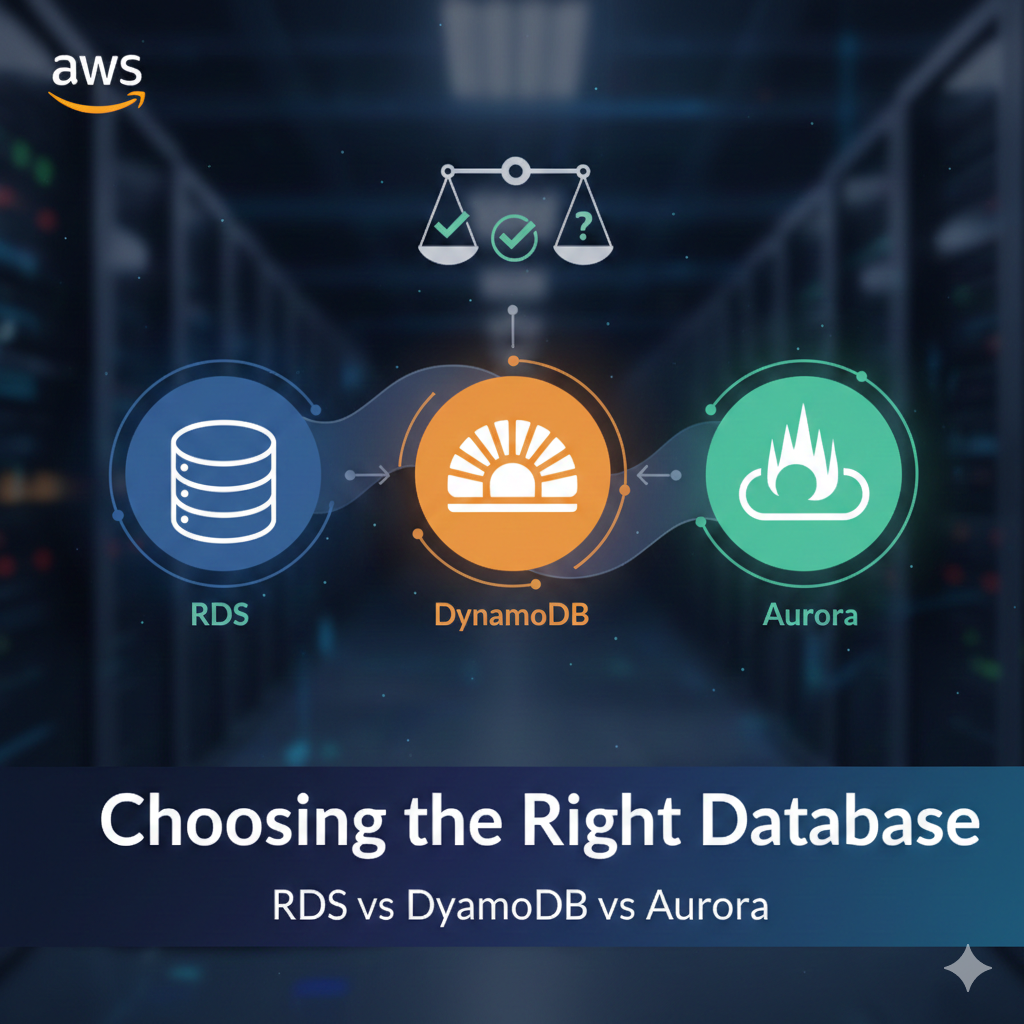
Choosing the right database for your AWS infrastructure is critical for application performance, scalability, and cost efficiency. Amazon Web Services offers three primary database solutions: RDS (Relational Database Service), DynamoDB, and Aurora. Each serves different use cases and requirements.
What is Amazon RDS?
Amazon RDS is a managed relational database service that supports multiple database engines including MySQL, PostgreSQL, MariaDB, Oracle, and SQL Server. It automates routine tasks like backups, patching, and scaling.
Key Features of RDS
- Automated backups and point-in-time recovery
- Supports traditional SQL databases
- ACID compliance for transaction integrity
- Vertical and horizontal scaling options
- Multi-AZ deployments for high availability
When to Use RDS
RDS is ideal for applications requiring complex queries, joins, and transactions. It’s perfect for legacy applications, ERP systems, CRM platforms, and any workload that demands relational data models.
What is Amazon DynamoDB?
DynamoDB is a fully managed NoSQL database service designed for high-performance applications at any scale. It provides single-digit millisecond latency and seamless scalability.
Key Features of DynamoDB
- Serverless architecture with automatic scaling
- Single-digit millisecond response times
- Built-in security and backup features
- Global tables for multi-region replication
- Pay-per-request or provisioned capacity pricing
When to Use DynamoDB
DynamoDB excels in use cases requiring massive scale, low latency, and flexible schema designs. It’s perfect for gaming leaderboards, IoT applications, mobile backends, and real-time analytics.
What is Amazon Aurora?
Amazon Aurora is AWS’s cloud-native relational database that combines the performance of commercial databases with the cost-effectiveness of open-source solutions. It’s MySQL and PostgreSQL compatible.
Key Features of Aurora
- Up to 5x faster than standard MySQL
- Up to 3x faster than standard PostgreSQL
- Automatic scaling up to 128TB per database
- Self-healing storage with automated replication
- Aurora Serverless for intermittent workloads
When to Use Aurora
Aurora is best for applications requiring high performance, scalability, and availability with a relational model. It’s ideal for SaaS applications, enterprise applications, and web and mobile gaming.
RDS vs DynamoDB vs Aurora: Performance Comparison
Performance Metrics
- RDS: Good for moderate workloads, IOPS-dependent performance
- DynamoDB: Consistent single-digit millisecond latency at any scale
- Aurora: High throughput with distributed storage architecture
Scalability
- RDS: Requires downtime for some scaling operations
- DynamoDB: Automatic, seamless scaling
- Aurora: Fast scaling with minimal impact
Cost Comparison: Which Database Saves Money?
Understanding pricing models helps optimize your AWS spending:
- RDS: Pay for instance hours, storage, and I/O operations
- DynamoDB: Pay per request or provisioned capacity
- Aurora: Higher cost than RDS but better performance-to-price ratio
Making the Right Choice for Your Application
Choose RDS When:
- You need traditional relational database features
- Your team is familiar with SQL databases
- You’re migrating existing databases to AWS
- Complex joins and transactions are essential
Choose DynamoDB When:
- You need predictable performance at scale
- Your data model is flexible and document-oriented
- Low latency is critical
- You want serverless architecture
Choose Aurora When:
- You need enterprise-grade performance
- High availability is non-negotiable
- You want MySQL/PostgreSQL compatibility
- You’re building cloud-native applications
Conclusion: Database Selection Strategy
Selecting between RDS, DynamoDB, and Aurora depends on your specific workload characteristics, performance requirements, and budget constraints. Consider starting with a proof of concept to test performance under real-world conditions before making a final decision.








Leave a Comment